Take action
$80
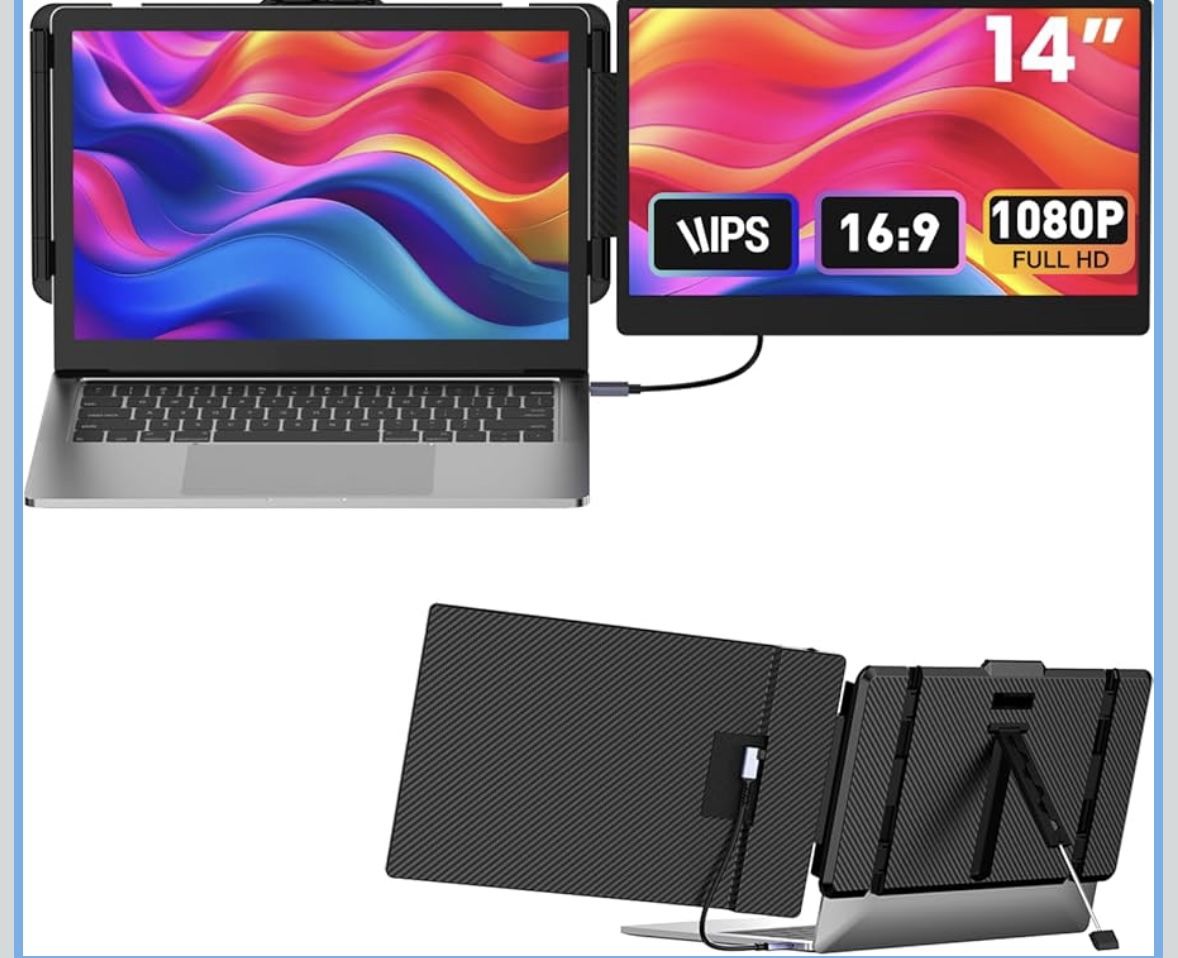
Laptop Screen Extender 14-inch
Posted in Las Vegas, NV
Listed in categories:

Chat securely on the app

Additional images
Description
💻Seamless Productivity Boost: This laptop screen extender is a real game-changer, allowing you to juggle multiple tasks simultaneously, significantly boosting productivity. Seamlessly integrated with 13" to 17" laptops (with a maximum horizontal width of 15.35"), The portable monitor is compatible with Mac, Windows, Chrome, ensuring you enjoy a more comfortable experience. 📟1080P Color-Rich Screen: This 14" laptop monitor extender comes with a 1080P FHD resolution and a 72% NTSC wide color gamut, presenting vibrant colors and crisp details. You can also customize screen brightness, contrast, and other settings according to ambient light and personal preferences to create the most suitable working environment for yourself. ⚙️Versatile Multi-Mode Screen: This laptop screen extender monitor portable supports three modes: the Extended Mode expands workspace, the Mirrored Mode displays the same content, and the portrait Mode allows for customizable arrangements. Whether you're a professional handling large volumes of information or a daily user juggling multiple tasks, this screen extender will be your reliable companion in tackling multitasking challenges. 🔌Plug & Play: Make sure your laptop has a fully functional Type-C port, or USB-A and HDMI ports. Tip: When using an HDMI cable, make sure to connect it to the TYPE-C port labeled "HDMI" on the screen extender, and connect an additional USB-A to USB-C cable for power.
Details
Condition
New
Item location map
Map is approximate to keep seller’s location private.