Take action
$30
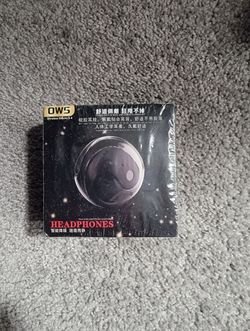
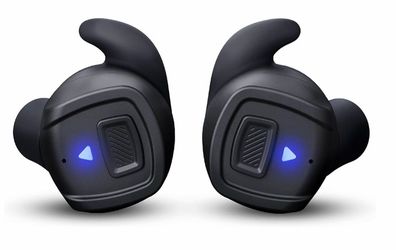
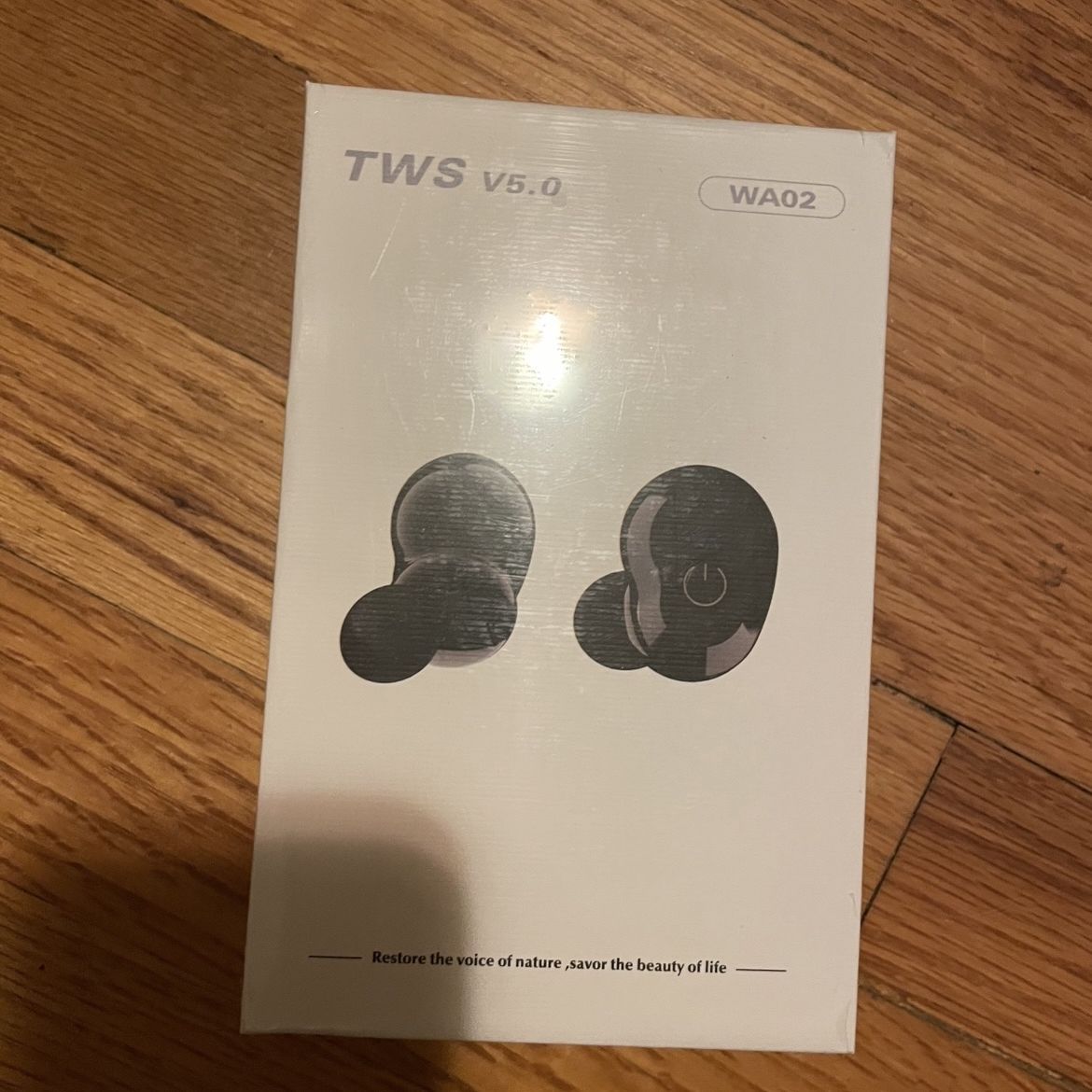
This is the packaging box of a TWS (True Wireless Stereo) Bluetooth headset, with the specific model being WA02. • Bluetooth version: Equipped with Bl
Posted in San Francisco, CA
Listed in categories:
Chat securely on the app

Description
This is the packaging box of a TWS (True Wireless Stereo) Bluetooth headset, with the specific model being WA02. • Bluetooth version: Equipped with Bluetooth V5.0 chip, compared to the previous version, it offers more stable connection and lower latency. • True Wireless (TWS): The left and right ears can be used independently without any cable constraints. • Automatic pairing: Usually, after taking out the headset from the charging case, it will automatically turn on and enter pairing mode. • Battery life: It is expected that with a single charge, the headset can play/communicate continuously for approximately 4-6 hours. When used with the charging case, it can be recharged multiple times. 2. Usage tips • First pairing: 1. Ensure the charging case is fully charged, then take out both ears (the earphones will automatically turn on). 2. Turn on the Bluetooth on your phone, search for the device name starting with "WA02" or "TWS" and click to connect. • Touch control operation: The icons on the packaging box suggest that this headset supports touch (or buttons). Usually, a single click is for play/pause, and a double click or long press may be used for switching songs or adjusting volume. • Charging instructions: Put the headset in the charging case and it will start charging. The indicator light on the headset usually turns red during charging and goes off or turns blue when fully charged. 3. Precautions • If the left and right ears cannot synchronize (only one is audible), you can put the headset back in the case and take it out again, or long-press the touch area to reset. • Please ensure to use the USB cable provided in the packaging or a compatible one to charge, and avoid using a high-power fast charger to protect the battery.
Details
Condition
New
Item location map
Map is approximate to keep seller’s location private.