Take action
$7
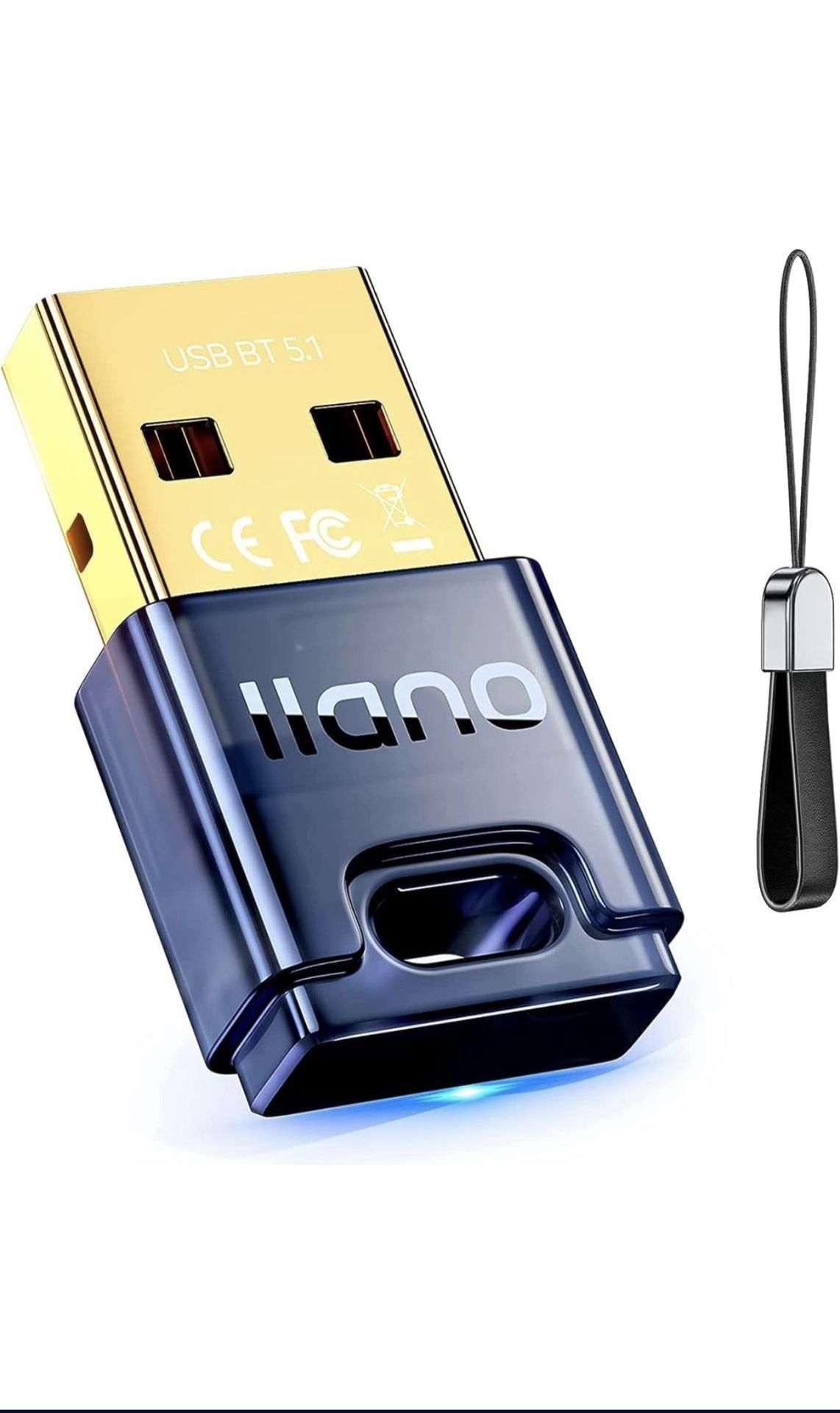
Bluetooth adapter for pc, usb Bluetooth 5.1 dongle receiver
Posted about 2 years ago in Naperville, IL
Listed in categories:

Get a second opinion
Chat securely on the app
Additional images
Description
Compatible Devices PC,Laptop,Bluetooth Headphones,Bluetooth Mouse,Bluetooth Keyboard,Bluetooth Printer,Game Controller 【Please Check Your Windows OS before Ordering】Win8.1/10/11 Driver-Free, Plug & Play. Win7 Driver-Needed(Go to the official llano website or contact customer service to get the driver and View the user manual) 【2023 Upgraded Intelligence 5.1 Chip】llano newest Bluetooth adapter uses the 5.1 chip with higher sensitivity, faster transmission, and more stable signal, which is easily backward compatible with 5.0/4.1/4.0 and never loses connection! 【Compatible with 99% of Devices】llano Bluetooth adapter can connect 7 devices at the same time, such as Bluetooth headset, speaker, keyboard, mouse, mobile phone, game controller, tablet, printer, etc, easy to connect, is ideal for leisure and entertainment/work WIN 7 DRIVER INSTALLATION STEPS >Step1: Plug the Bluetooth adapter into the USB port of the computer, and the Bluetooth icon will be displayed in the system status bar. >Step2: Check the uer guide to get the driver to download and install. >Step3: According to the pop-up prompt during installation, click [Next] >Step4: Installation shows that REALTEK Bluetooth is being installed. >Step5: After the installation is complete, you need to restart your computer. >Step6: After the computer restarts, open My Computer, right-click-System Tools-Device Manager, and Realtek Bluetooth 5.1 Adapter appears. The driver is installed successfully and can be safely used.
Details
Condition
New
Item location map
Map is approximate to keep seller’s location private.