Take action
$25
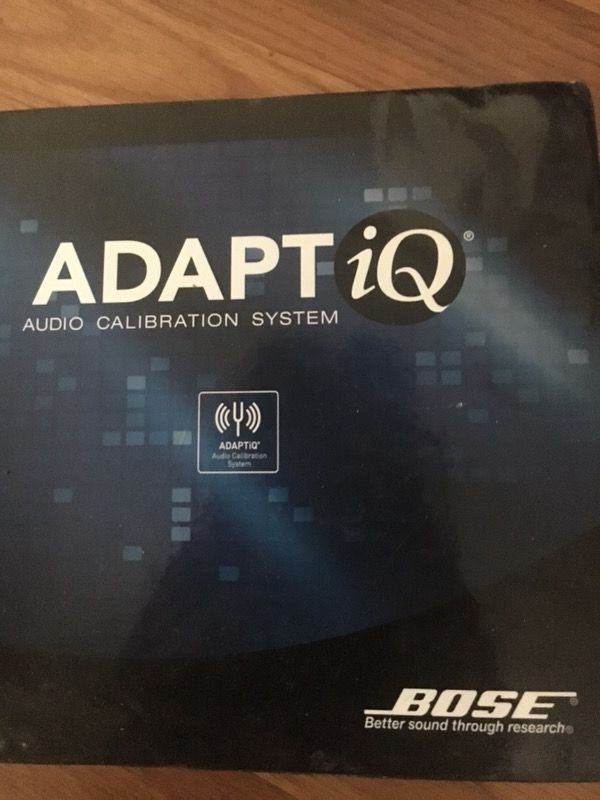
Bose ADAPTiQ Audio Calibration System
Posted over 8 years ago in Portsmouth, VA
Listed in categories:

Chat securely on the app

Additional images
Description
Bose ADAPTiQ Audio Calibration System - BRAND NEW BOX ONLY OPENED Bose ADAPTiQ Audio Calibration System. this patented easy-to-use technology analyses the way your room's dimensions and other variables affect sound; then automatically adjusts your Lifestyle® system for optimum performance from movies and music. The ADAPTiQ® audio calibration process is simple. It takes only about 10 to 15 minutes and is part of the setup process. All you have to do is sit in five of your favorite listening places wearing special headphones with microphones that “listen” to the sound in your particular room and analyze the response from each of the speakers. Bose proprietary software then customizes the system's performance so it’s optimized for that particular room. And if you ever rearrange your furniture, or change the speaker placement or the room your Lifestyle® system is in, just run the ADAPTiQ system again. ADAPTiQ® System Setup and Deactivation Your system comes with the ADAPTiQ® audio calibration system, which contains a special headset and two setup DVDs. Setup disc 1 verifies that your speakers are connected correctly and that the system is performing properly. Setup disc 2 leads you through the ADAPTiQ audio calibration system process, which adjusts the sound of the system to the acoustics of your listening area. The process takes approximately ten minutes. During this time please try to eliminate any other sounds in the room that could interfere with the acoustic measurements. Using the ADAPTiQ audio calibration system To use the ADAPTiQ audio calibration system, follow these steps: Be sure that all Lifestyle® system connections have been made and that your speakers and Acoustimass® module are in their permanent positions Turn your TV on and select the correct input to view the System menu. This will be the same video input that you use when viewing a DVD on the Bose® system. Lift the media center door and press Open/Close. Load disc 1 in the tray and press...
Details
Condition
Open Box (never used)
Item location map
Map is approximate to keep seller’s location private.