Seller profile

Sell Used iPhone
Verified Business
Moreno Valley, CA
(47) offer up reviews
Business Information
Business description
About us
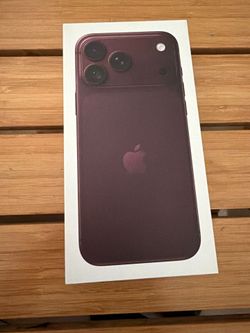
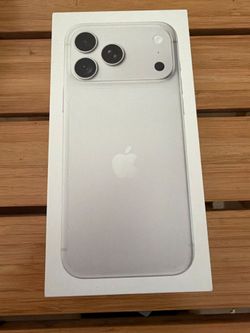
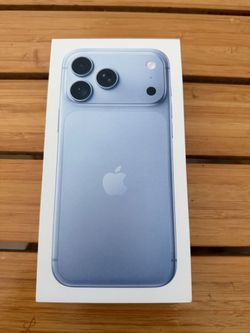
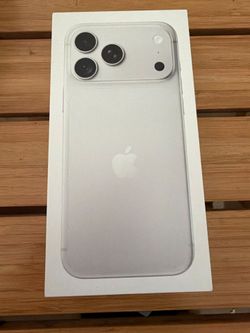
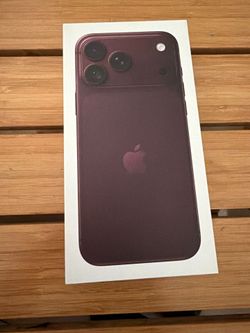
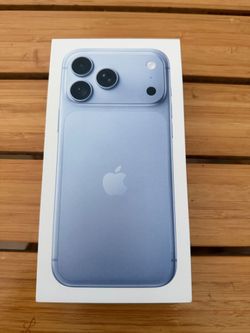
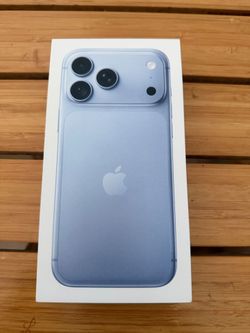
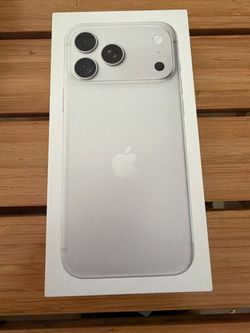
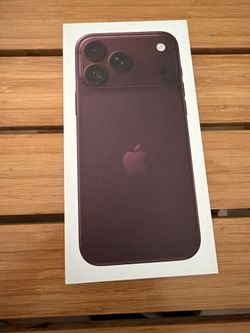
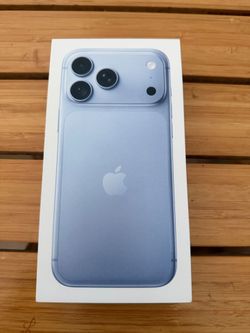
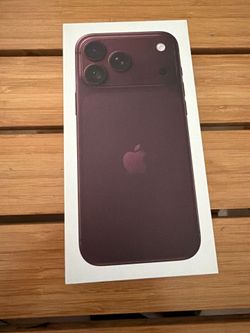
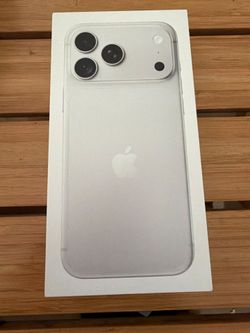
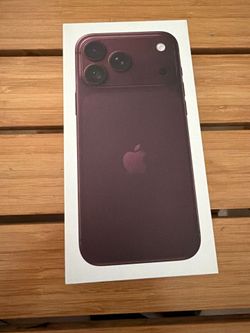
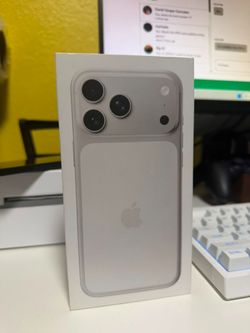
At Sell Used iPhone, we help people turn unwanted Apple devices into fast cash with a simple, safe, and honest process. We specialize in buying new, used, broken, and financed iPhones, and in many cases we also buy iPads and MacBooks.
We’re a mobile local business serving Los Angeles, Pasadena, the Inland Empire, the Valley, Long Beach, and surrounding areas. Our team meets customers at safe public places like Starbucks and other convenient locations. In most cases, once the proper information is provided, we can meet within 30 minutes to 1.5 hours, depending on how busy we are.
What we need for a quote:
Clear pictures of the device
IMEI number
Brief description of the condition
This helps us give an accurate quote and keep the process smooth for both sides.
Why customers choose us:
Fast cash offers
Mobile meetups
Safe public transactions
Honest communication
Fair market-based pricing
Quick process, usually under 15 minutes at meetup
We also buy multiple devices at once, so whether you’re selling one iPhone or a few devices, we’re here to help.
At Sell Used iPhone, our goal is to serve the community by making it easy to sell unwanted devices without the hassle of shipping, scams, or long wait times.
All content is available to screen readers from the outset. The See more button is for visual users only to expose content incrementally that is already available to you