Take action
$150
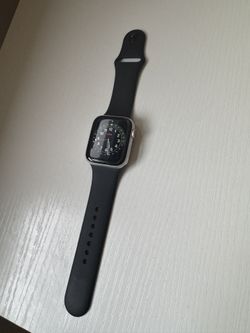
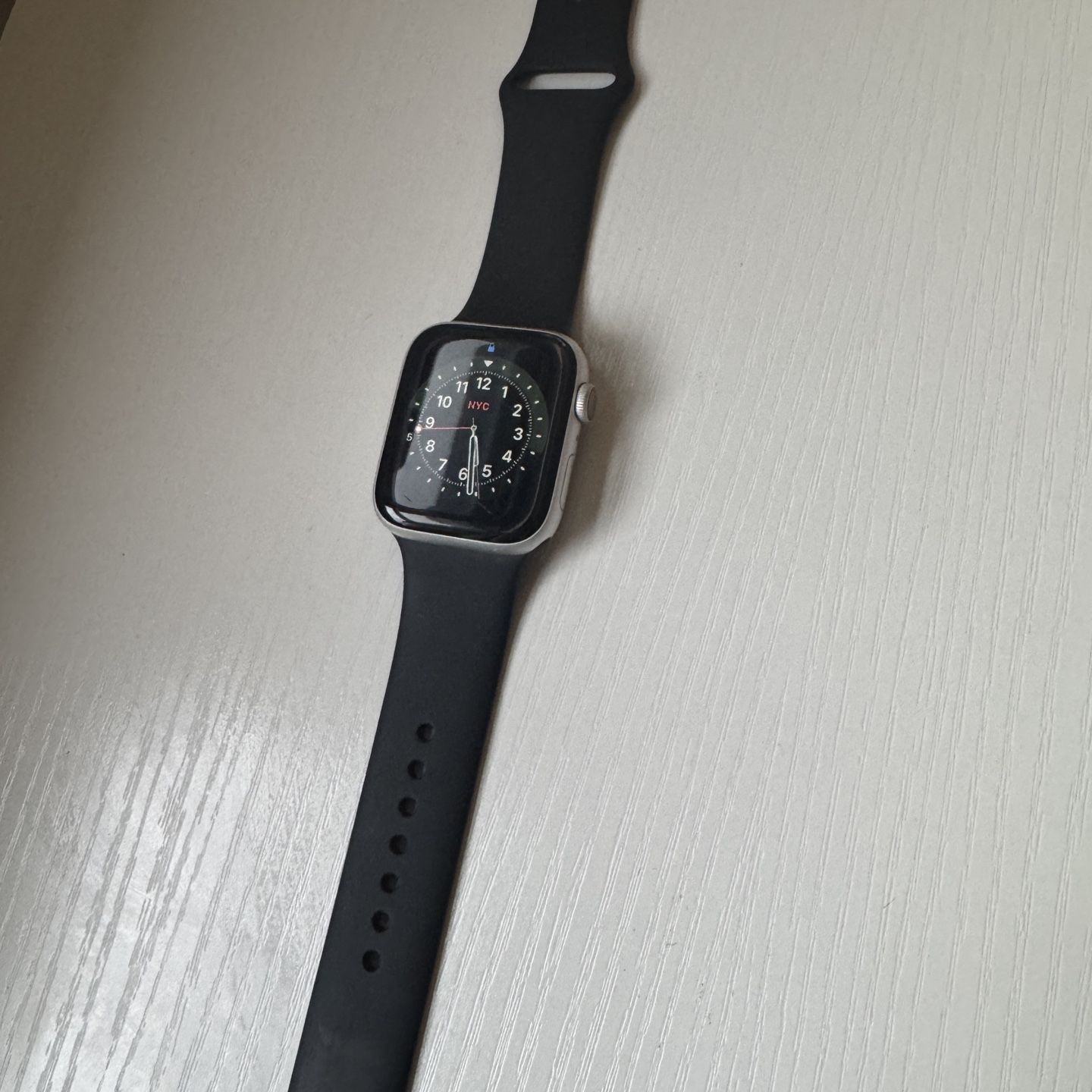
Apple Watch Series 5 GPS + Cellular, 44mm Silver Aluminum Case with Black Sport Band - Regular
Posted in Queens, NY
Listed in categories:

Chat securely on the app

Additional images
Description
- With the Always‑On Retina display, your watch face never sleeps. To maintain all‑day battery life, the screen dims when your wrist is down. Bring it to full brightness by raising your wrist or tapping the center of the screen - Open the ECG app and touch the Digital Crown with your index finger for 30 seconds to generate an ECG waveform. The ECG app can indicate whether your heart rhythm shows signs of atrial fibrillation. - On iPhone, open the Apple Watch app and tap Heart. Scroll down to set up notifications for low and high heart rate and irregular rhythm. You will then be alerted if irregularities are detected. - On iPhone, open the Apple Watch app. Tap Emergency SOS, then turn on Fall Detection. If your watch detects that you’ve fallen and are immobile and unresponsive for about a minute, it will call emergency services and send a message to your emergency contacts. - Use the Cycle Tracking app to log your period, record symptoms, and see cycle length and variation. To set it up, open the Health app on your iPhone and follow the onscreen steps. - On iPhone, open the Apple Watch app and tap Noise to enable Environmental Sound Measurements. Then tap Noise Threshold to choose a decibel level. You will receive a notification when the average sound level over three minutes reaches your chosen level. - Ask Siri to play something. Or open the Music, Podcasts, or Audiobooks app, swipe down, tap Library, and choose what you want to play. - Open the Activity app and press firmly on the screen until you see Change Move Goal. Tap it, adjust your goal, then press Update. - Open the App Store app on Apple Watch. Search using Scribble or Dictation, or scroll to see featured apps and curated collections. Tap to download right to your watch. - Open the Compass app for your heading, longitude, latitude, elevation, and incline. Use the Maps app to see which way you’re facing and to get turn-by-turn directions. - Just raise your wrist toward your mouth and speak: How’s the weather? What time is my next meeting? Call home. What song is playing? - Use Apple Pay by double-clicking the side button. Then bring the watch close to the reader. Or send Apple Cash by telling Siri to send money to one of your contacts. - View the health data from your iPhone, Apple Watch, and third‑party apps and devices, all in one convenient place. - Wireless service plan required for cellular service. Apple Watch and iPhone service provider must be the same. Not all service providers support enterprise accounts; check with your employer and service provider. Roaming is not available outside your carrier network coverage area. Contact your service provider for more details. Check https://offerup.com/redirect/?o=YXBwbGUuY29tL3dhdGNoL2NlbGx1bGFy for participating wireless carriers and eligibility. - Apple Watch Series 5 has a water resistance rating of 50 meters under ISO standard 22810:2010. This means that it may be used for shallow-water activities like swimming in a pool or ocean. However, Apple Watch Series 5 should not be used for scuba diving, waterskiing, or other activities involving high-velocity water or submersion below shallow depth.
Details
Condition
Used (normal wear)
Color
Silver
Series
Series 5
Model
Apple Watch
Additional details
Network
GPS + Cellular
Brand
Apple
Item location map
Map is approximate to keep seller’s location private.