Take action
$200
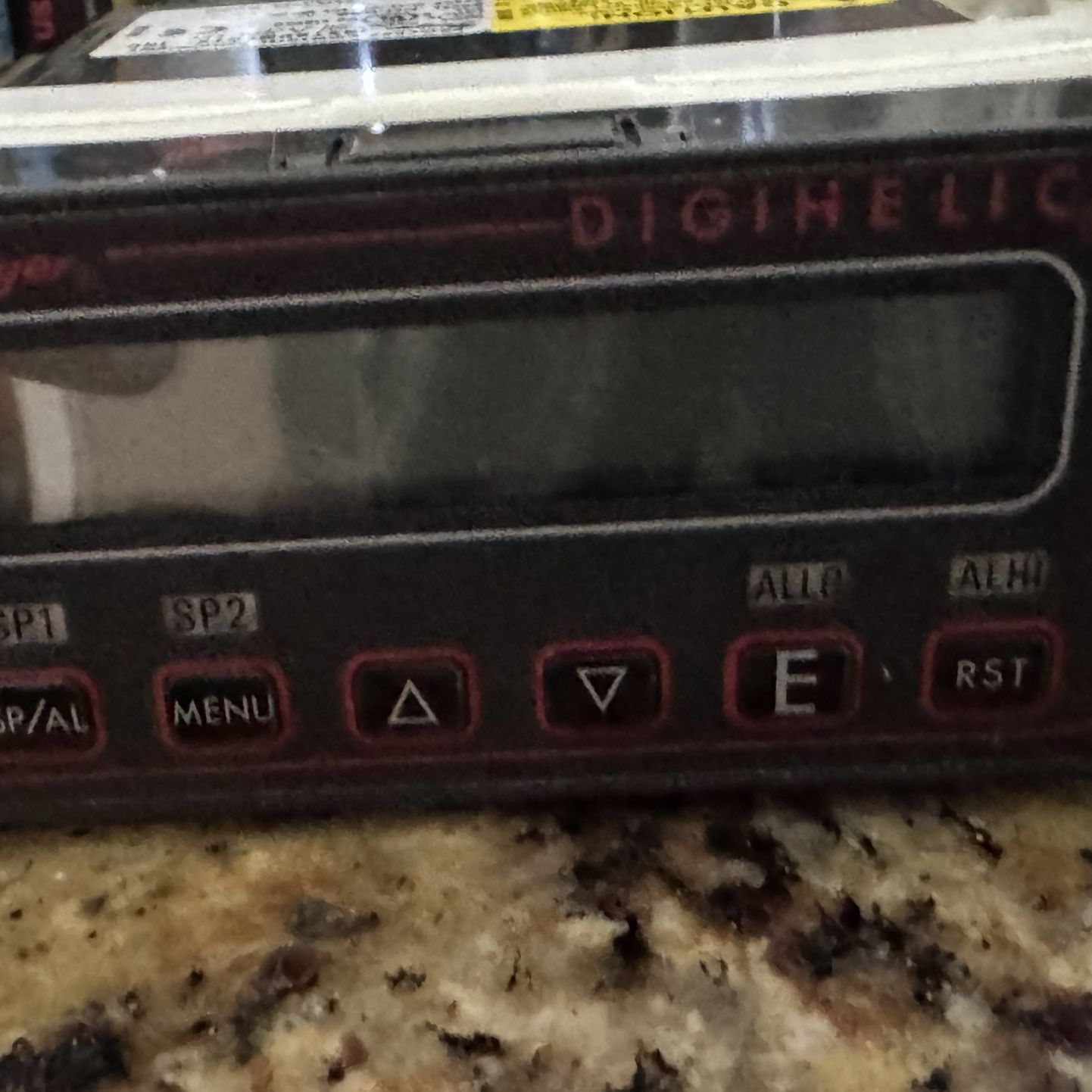
Dwyer Series DH Digihelic® Differential Pressure Controller, a 3-in-1
Posted in Santee, CA
Listed in categories:

Chat securely on the app

Additional images
Description
This device is a Dwyer Series DH Digihelic® Differential Pressure Controller, a 3-in-1 instrument that functions as a digital pressure gage, control Key Features & Specifications Accuracy: ±0.5% at 77°F (25°C) for most ranges. Display: A 4-digit LCD with LED indicators for set point (SP1, SP2) and alarm (ALLO, ALHI) status. Outputs: Includes two SPDT control relays and a scalable 4-20 mA process output. Power: Flexible power options, typically allowing for 120/220 VAC or 24 VDC. Communication: Utilizes Modbus® RTU via RS485 for remote monitoring and adjustments. Transcat Transcat +5 Button Functions & Navigation The front keypad is used to program and navigate five simplified menus. Transcat Transcat +1 SP/AL: A "Hot Key" providing instant access to adjust Set Points and Alarms. MENU: Scrolls through primary menus such as security levels, engineering units, and calibration. Up/Down Arrows ( 𝚫 / ∇ ): Used to change values or settings once a menu is selected. E (Enter): Used to enter a menu, store a modified value, or view the full-scale range from the home display. RST (Reset): Clears an alarm when the unit is set for manual alarm operation. DwyerOmega DwyerOmega +4 Standard Setup Procedures Mounting: The unit should be mounted in a horizontal plane for proper operation. Zero Calibration: Apply zero pressure to both ports, then navigate through Menu -> CAL -> ZERO and press Enter to zero the device. Pressure Connections: Connect tubing from the higher-pressure source to the "HIGH" (+) port and the lower source to the "LOW" (-) port for differential pressure readings.
Details
Condition
New
Item location map
Map is approximate to keep seller’s location private.