Take action
$60
USB C KVM Switch 4K@60Hz,Dual Monitor USB C HDMI KVM Switch for 1 PC and 1 Lapto
Posted 2 days ago in Redlands, CA
Listed in categories:

Get a second opinion
Chat securely on the app
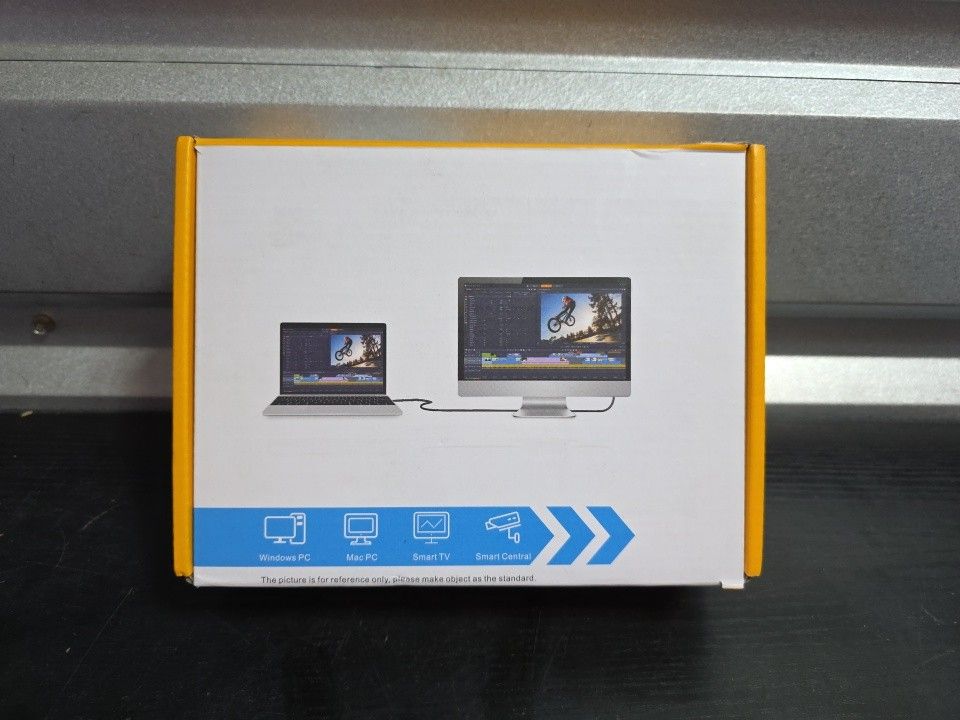
Additional images
Description
New item 【7-in-1 KVM Docking Station】Unleash the potential of this KVM switch for 1 laptop and 1 desktop with multiple shared peripheral ports, like 3x USB 3.0, 1x USB-C, 1x PD charge, and 2x HDMI (4K@60Hz)outputs. Make your work from home more convenient and easier than ever before. 【USB C Dual Monitor KVM】The docking station KVM switch connects 1 laptop+1 desktop and 2 monitors with 1x USB-C (MST)+dual HDMI inputs and 2x HDMI outputs. Seamlessly switch between your work desk and personal laptop to boost your productivity with this USB-C HDMI KVM switch. 【100W PD Fast Charging】This USB C HDMI KVM switch is equipped with a PD charging port, which can provide sufficient power for your laptop during use. However, the actual charging power obtained by the laptop is between 73W and 85W, because the KVM itself and the cable will generate some power consumption, and the laptop itself has a protection mechanism, so it is impossible to obtain 100W power. 【Extension Mode and Copy Mode】Note: Only support mirrored output on macOS. USB-C KVM Switch 2 Monitors supports extension mode and copy mode for Windows laptops and desktops. 【Easy Switching】Plug and play, easy installation, no driver required, two switching methods are provided: press the selection button on the KVM to switch; use the desktop extension button to switch, the KVM Switch can be placed under the desktop or outside the workspace to make the desktop more concise. Note: Keyboard shortcuts (hot keys) are not supported for switching 【Packing List】 USB C HDMI KVM Switch, 1 USB C cable for audio and video signal transmission, 1 USB3.0 A-B cable, 1 DC12V power adapter, 1 wired controller, instruction manual (D3)
Details
Condition
New
Item location map
Map is approximate to keep seller’s location private.