Take action
$50
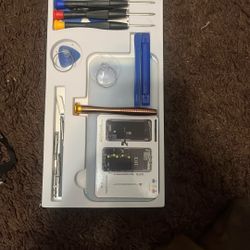
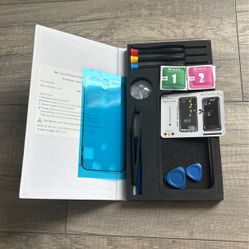
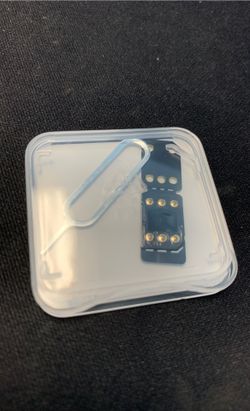
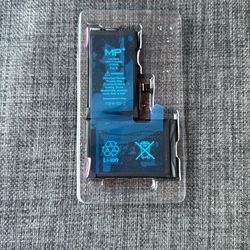
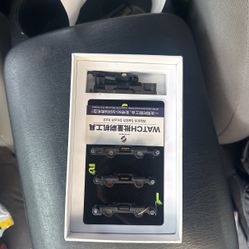
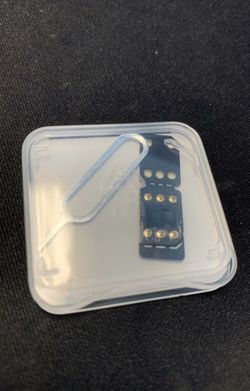
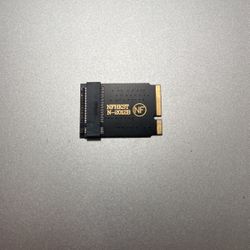
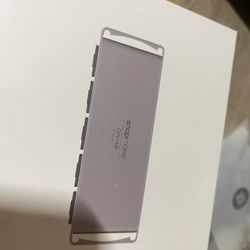
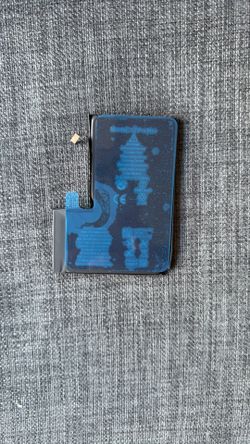
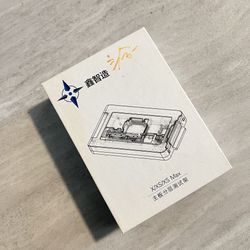
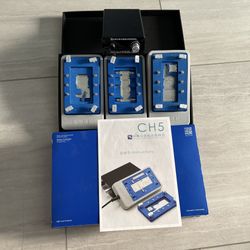
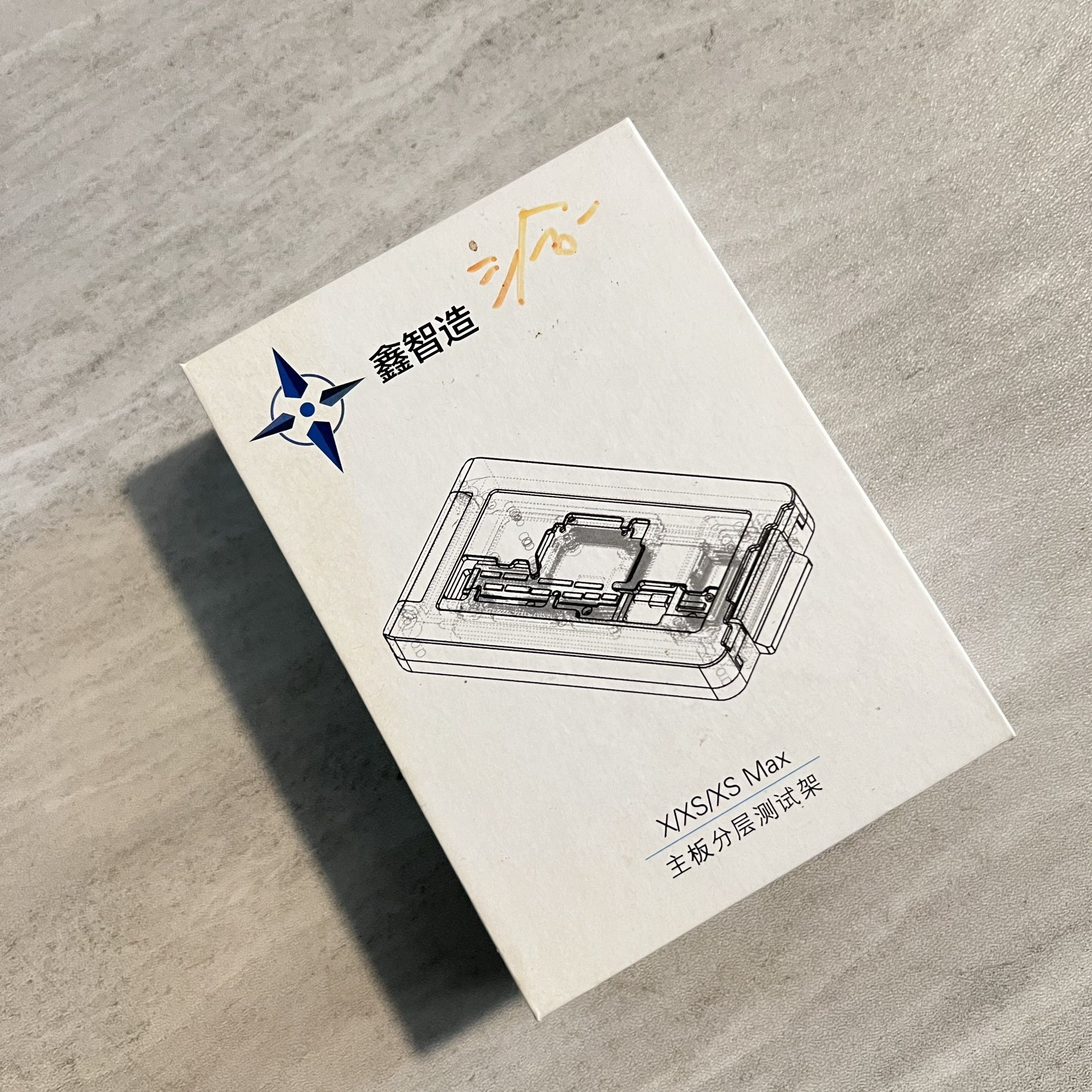
FIX-XS ISOCKET 2 IN1 LAYER LOGIC MOTHERBOARD TEST FIXTURE FOR IPHONE XS/XSMAX PCB REPAIR
Last updated 27 days ago in Oakland Park, FL
Listed in categories:

Chat securely on the app

Additional images
Description
FIX-XS ISOCKET 2 IN1 LAYER LOGIC MOTHERBOARD TEST FIXTURE FOR IPHONE XS/XSMAX PCB REPAIR Easy to use, connect the upper and lower motherboards for testing/repair, avoid problems after installation, increase maintenance speed. Check in advance to avoid duplicate disassembling and breaking the motherboard. Small size, easy to carry. Operation: 1. Prepare 1 x Power On/Off Cable 1 x Power Line 1 x LCD Test Cable 1 x Screen 1 x Main Board 2. Decomposition iPhone X Middle Layer simply equipped the test fixture. 3. Install: Put in the lower main board, put on the pin board, put the top board in, and then cover the test rack. 4. The first way to connect the screen line,boot,power cord or battery test ink success or not. The second way is to connect the end plug on the base of the first method to implement the brush function.
Details
Condition
Open Box (never used)
Item location map
Map is approximate to keep seller’s location private.