Take action
$75
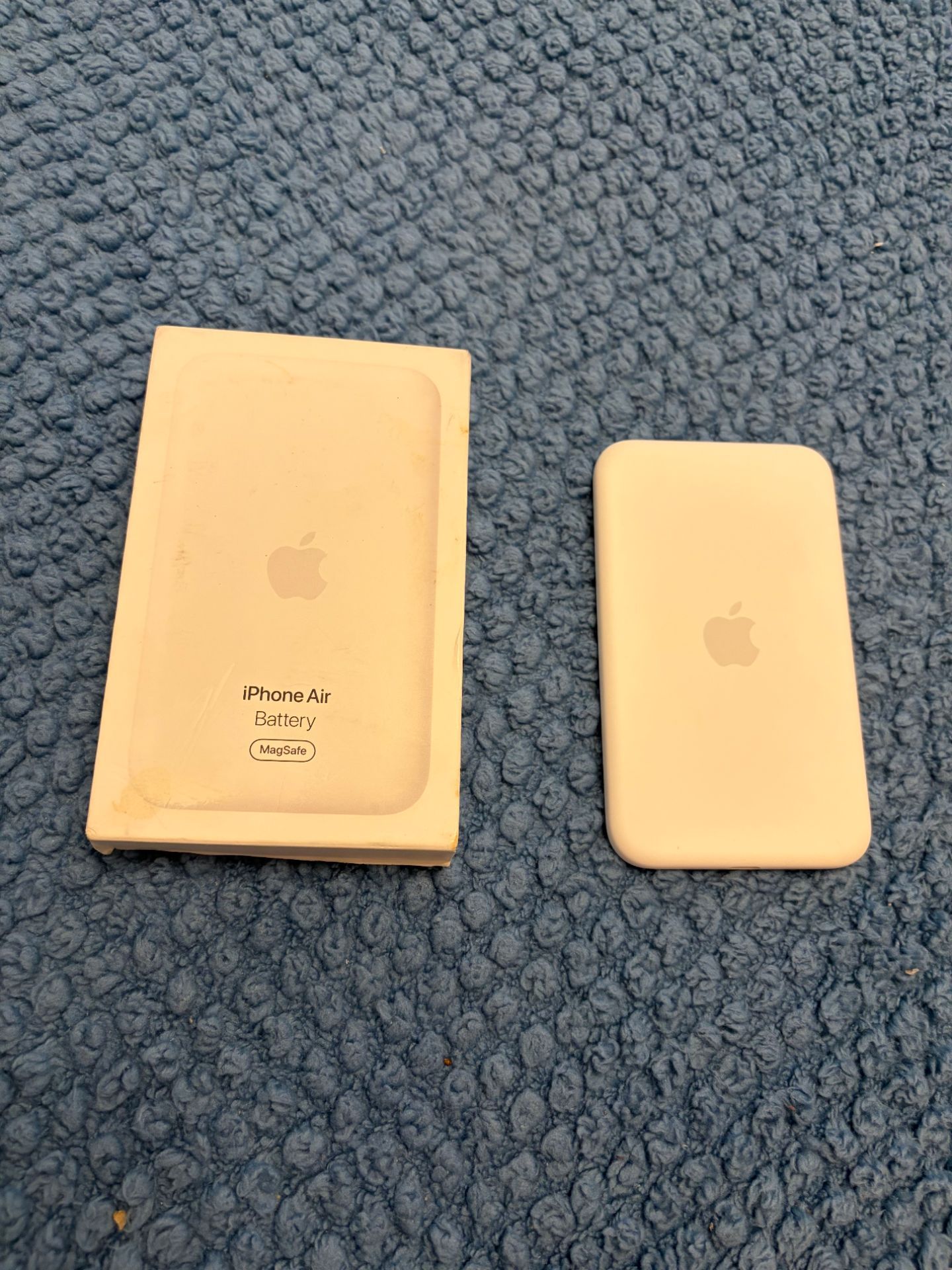
Apple Air IPhone battery charger
Posted 1 day ago in Brooksville, FL
Listed in categories:

Chat securely on the app

Additional images
Description
How to use your iPhone Air MagSafe Battery Your iPhone Air MagSafe Battery is designed to quickly and safely wirelessly charge your iPhone Air, extending the battery life of your device. iPhone Air MagSafe Battery was designed to pair only with iPhone Air. Charge your iPhone Air MagSafe Battery Before you use your iPhone Air MagSafe Battery for the first time, fully charge it using a USB-C to USB-C cable with a 20W or higher power adapter. Plug one end of a USB-C cable into the connector on your iPhone Air MagSafe Battery. Plug the other end of the cable into a 20W or higher USB power adapter, then plug the adapter into a power outlet. The status light on your iPhone Air MagSafe Battery will stay lit for a few seconds. While your iPhone Air MagSafe Battery is charging, the status light might flash. If it flashes green, your MagSafe Battery is fully charged. If it flashes amber, your MagSafe Battery might need more time to charge. Using an adapter that is lower than 20W will result in a slower charge. For the fastest performance, use a 30W or higher USB power adapter. Attach and remove your iPhone Air MagSafe Battery Your iPhone Air MagSafe Battery will attach magnetically to the back of your iPhone. To remove the iPhone Air MagSafe Battery, simply pull it off the back of your device. When attached, iPhone Air MagSafe Battery can charge your iPhone Air with up to 12W of power. When connected to a 30W or higher power adapter, it can charge iPhone Air with up to 20W of power. When fully charged, iPhone Air MagSafe Battery provides up to 65% additional charge to your iPhone Air. Check the charge status When you attach your MagSafe Battery to your iPhone Air, it will automatically begin to charge your iPhone and a charging status will appear on the Lock screen. Must pick up in Brooksville have no Vehicle
Details
Condition
Used (normal wear)
Item location map
Map is approximate to keep seller’s location private.
Related searches
- PS5
- iPhone
- Nintendo switch
- Laptop
- Xbox Series X
- Nintendo
- Ps4
- Xbox Series S
- Apple watch
- AirPods
- iPhone 13
- Nintendo Switch 2
- iPhone 15
- iPhone 16
- iPhone 17
- JBL Speaker
- iPhone 14
- Ps3
- PSP
- Bluetooth speaker
- Bose
- MacBook Pro
- Ps2
- Digital camera
- Samsung galaxy
- iPhone 12
- Headphones
- Tablet
- iPhone 11
- Sony camera
- Xbox one
- Canon
- iPad Pro
- Drone
- Cd player
- Beats
- Meta Quest 3
- Car audio
- Nintendo 3ds
- MacBook Air
- Bose speakers
- Apple Watch Ultra
- Grinch
- Klipsch
- Computer monitor
- Gopro
- Earbuds
- Desktop computer
- Subwoofers
- Super nintendo
- Computer parts
- Dj equipment
- Gaming computer
- Film camera
- Dvd player
- 55 inch tv
- Beats headphones
- Marantz
- Dvd
- Curved monitor