Take action
$18
Black & Decker BDL110S Bullseye Laser Level and Stud Finder
Posted in Palm Harbor, FL
Listed in categories:

Chat securely on the app

Additional images
Description
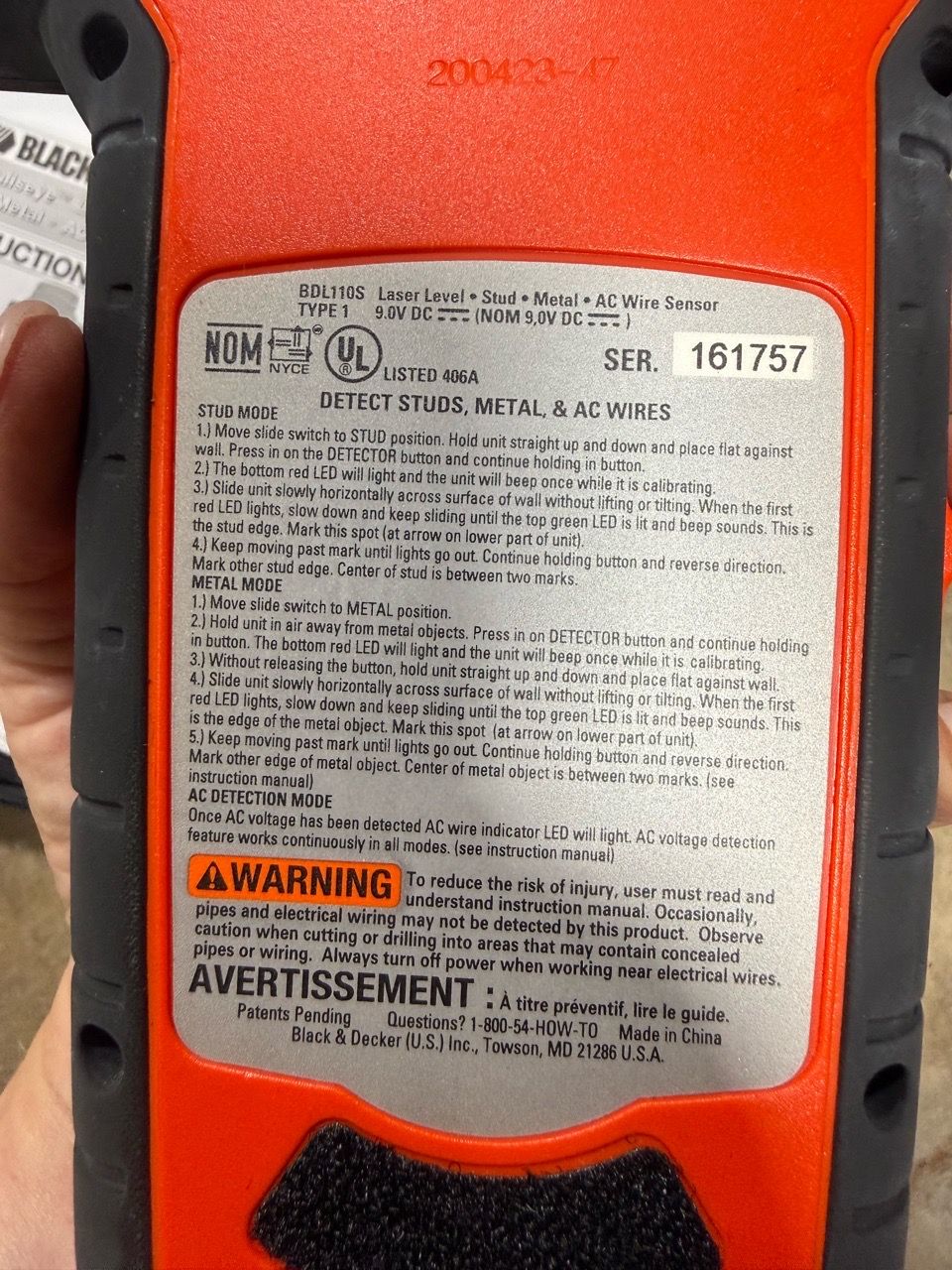
. Here is a summary of how to use the main functions listed on the device: Stud Mode 1. Set Switch: Move the side switch to the STUD position. 2. Calibrate: Hold the unit flat against the wall, press and hold the DETECTOR button, and wait for a single beep. 3. Scan: Slide the unit slowly across the wall without lifting it. A green LED and a beep will sound when you reach the stud edge. 4. Mark: Mark the spot, then keep moving until the lights go out. Reverse direction to find the other edge of the stud. The center is between the two marks. Metal Mode 1. Set Switch: Move the side switch to the METAL position. 2. Calibrate: Hold the unit away from metal objects, press and hold the DETECTOR button until you hear a beep for calibration. 3. Scan & Mark: Place the unit flat against the wall and slide it slowly. A green LED and beep indicate the edge of a metal object. Mark the spot and find the opposite edge to locate the center. AC Wire Detection * The AC wire sensor feature runs continuously in all modes. * The AC indicator light turns on automatically if live electrical wiring is nearby. * Note: Always turn off power when working near electrical wires, as wiring might not always be detected
Details
Condition
Used (normal wear)
Item location map
Map is approximate to keep seller’s location private.