Take action
$10
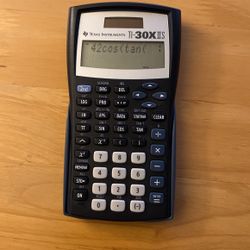
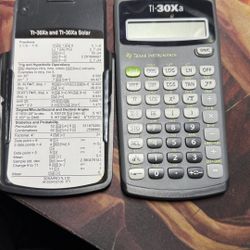
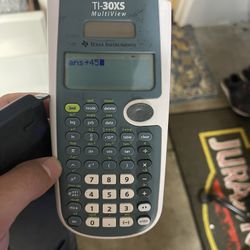
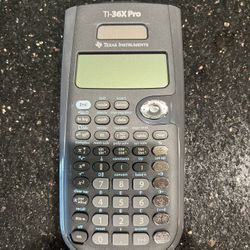
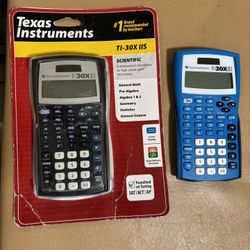
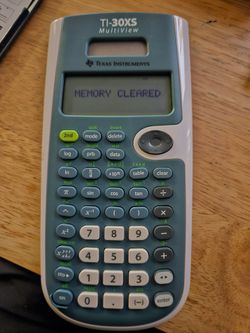
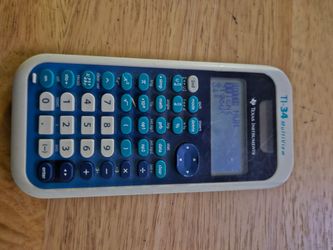
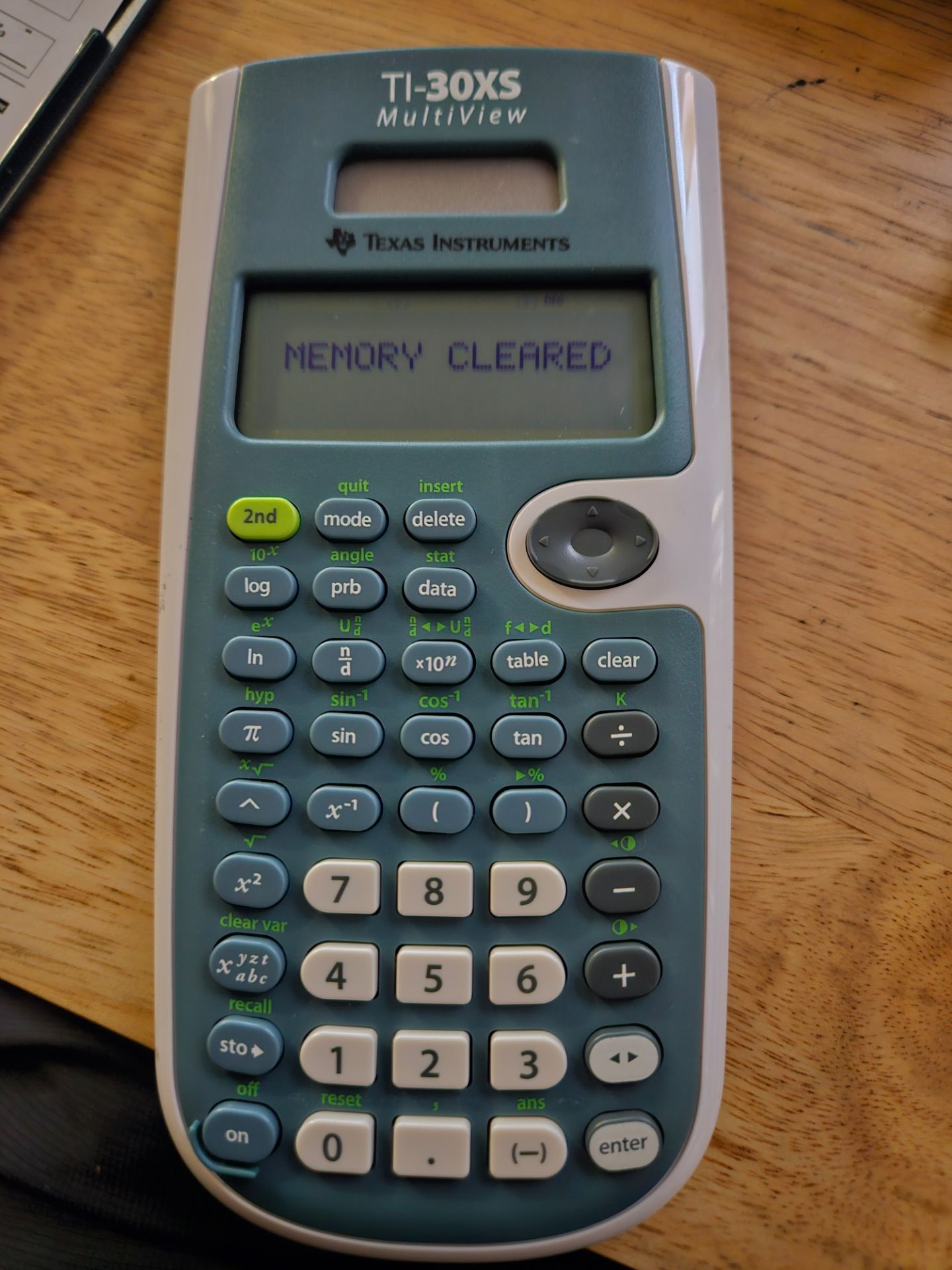
TI-30XS Calculator
Posted about 2 hours ago in Anaheim, CA
Listed in categories:

Chat securely on the app
Additional images
Description
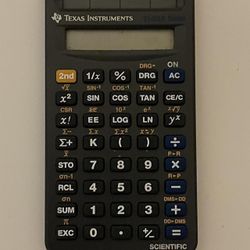
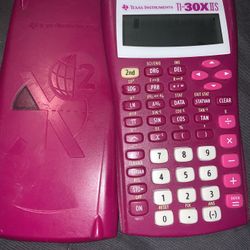
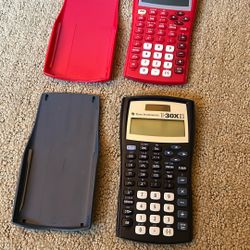
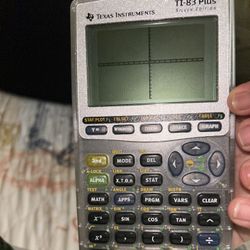
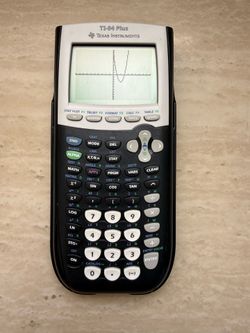
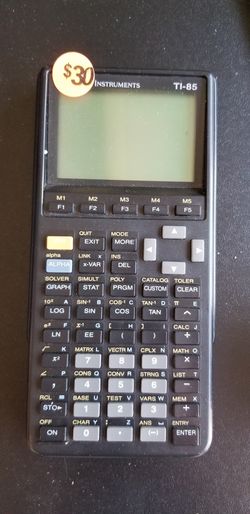
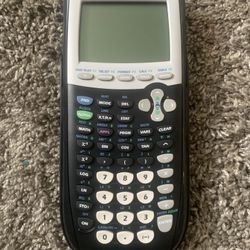
Shows Real Math Notation Displays math like fractions, roots, and pi as in textbooks. Scroll And Edit Calculations Scroll And Edit Calculations Scroll up to view, edit, and paste previous entries into your new calculations. Quickly Switch Answer Formats Quickly Switch Answer Formats Toggle key converts answers between fractions and decimals instantly. Fast Reset For Exams Fast Reset For Exams Quickly clear the memory with a simple two-key press before taking a test. Texas Instruments TI-30xs Multiview Scientific Calculator Texas Instruments TI-30XS MultiView Scientific Calculator, Black Review and edit previous entries via a scrollable home screen Paste inputs or outputs into new calculations MathPrint™ entry and output mode for viewing calculations in math notation, including answers in terms of π, square roots, and fractions CLASSIC mode for compatibility with previous two-line scientific calculators Symbolic notation of π Toggle key to change the form of answers between exact and decimal approximation Stacked fractions and fraction functions Fraction, decimal, and percent conversions Change between improper fractions and mixed numbers Automatic simplification of fractions Random number and random integer generator Central MODE menu for selecting calculator mode settings Functions accessed directly through keys or pull-down menus Negation key One constant operator feature Combinations and permutations Trigonometry and hyperbolics Logs and antilogs Convert angles from degrees to radians to grads Fixed decimal capability (x,y) table feature with Auto and Ask-x options Basic Data/List Editor with three lists One- and two-variable statistics with permanent stat variable input storage EOS: Equation Operating System Up to eight pending operations Up to 23 levels of parentheses Error recovery capability Auto Power Off Quick reset of calculator via 2 key press or menu for exam purposes Seven memory variables (x, y, z, t, a, b, c) May or MAYNOT have a battery
Details
Condition
Used (normal wear)
Item location map
Map is approximate to keep seller’s location private.